![2617210b577d672136104a4f5660e04f07acf843-removebg-preview.png]](https://help.knowledgeanywhere.com/hs-fs/hubfs/2617210b577d672136104a4f5660e04f07acf843-removebg-preview.png?height=40&name=2617210b577d672136104a4f5660e04f07acf843-removebg-preview.png)

.png?width=670&height=366&name=Group%20678%20(1).png)
Course Studio is a full course authoring environment inside the Knowledge Anywhere LMS. Import existing content, build from scratch, add assessment, and publish. No external software. Best of all, you already have a license.
Explore Course Studio Here
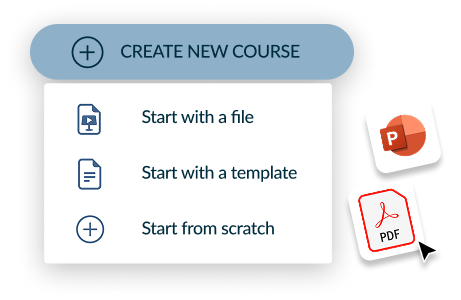
Import & BuildStart from a PowerPoint, PDF, or blank page. Choose from built-in templates to get up and running fast. |
|
|
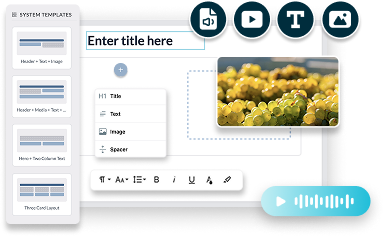
Create Your WayAdd images, video, and audio, and manage these assets in the LMS resource library. |
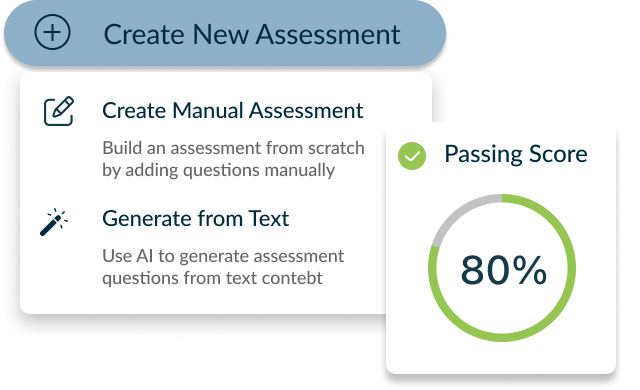
Add AssessmentsCreate assessments manually or generate them with AI. Set completion criteria that match your compliance requirements. |
|
.png?width=474&height=290&name=Group%20672%20(1).png)
|
Review & PublishVersion control and approval workflows keep your team aligned. Comments, review states, and publish controls ensure the right people sign off before content goes live. |
Course Studio is already included in your license. Depending on your subscription tier, additional options may be available. See the FAQ for details.
Build Your First Course
How to Get Started With Course Studio
Before building your first course, make sure you have the appropriate administrative permissions. Global Admins, Developers, and Editors can edit Studio courses. Microsite Admins can edit Studio courses within their assigned microsite
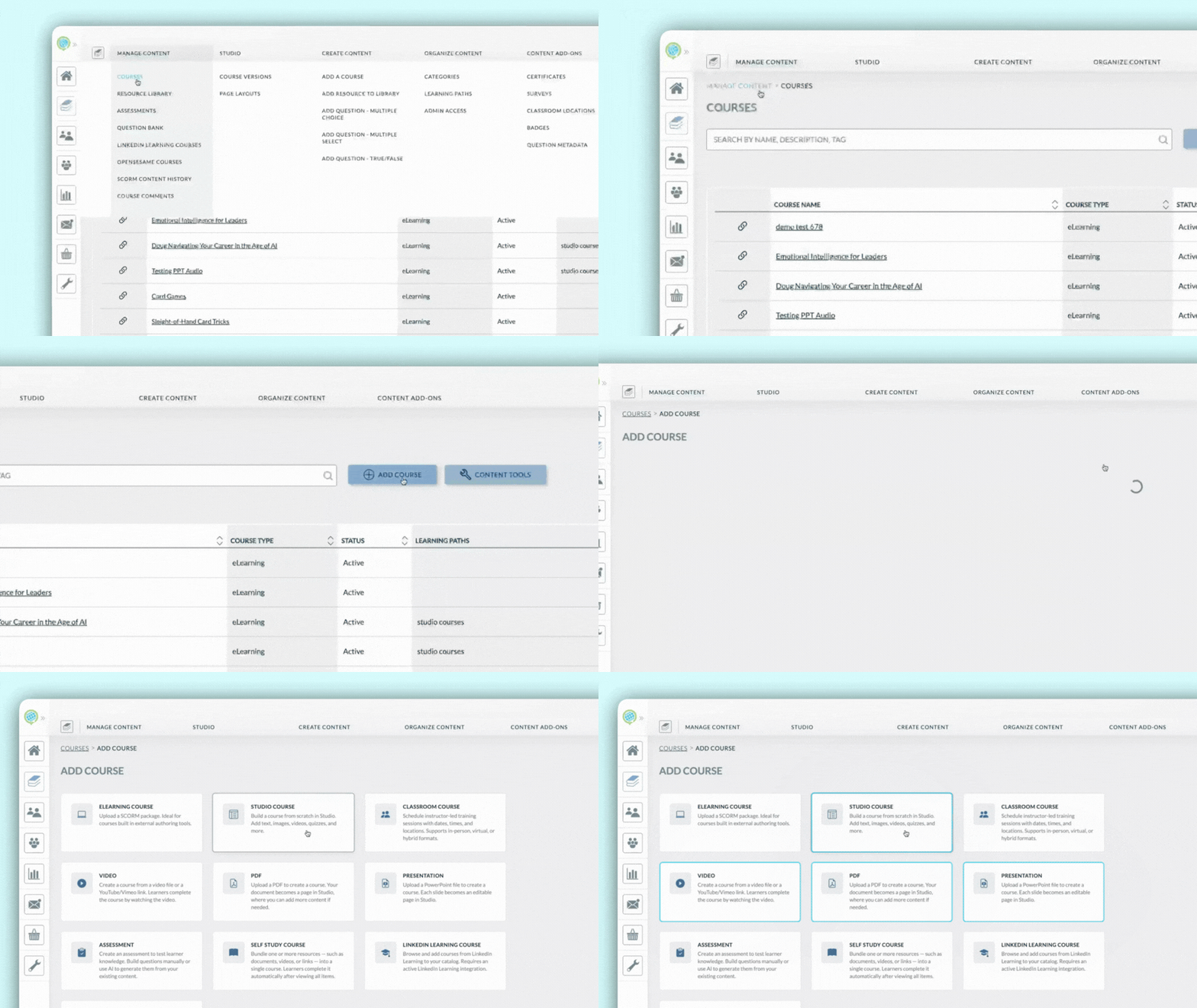
- From the Courses page in the LMS, select Add Course.
-
Choose one of the available course creation options: Studio Course, PDF, or Presentation.
Accessing Your Courses
You will see a new top-level menu option labeled Studio. From this menu, select Course Versions to view a list of all Studio courses. You can also use the checkbox at the top of the page to filter the list and show only the courses you have created.
.gif?width=670&height=377&name=Untitled%20design%20(4).gif)
Learning More
That should get you started. To learn more about Studio, you may find these articles helpful:
If you have any questions or would like support using these new features, please reach out to our Customer Success Team at support@knowledgeanywhere.com as we are happy to help!