![2617210b577d672136104a4f5660e04f07acf843-removebg-preview.png]](https://help.knowledgeanywhere.com/hs-fs/hubfs/2617210b577d672136104a4f5660e04f07acf843-removebg-preview.png?height=40&name=2617210b577d672136104a4f5660e04f07acf843-removebg-preview.png)

|
You’ll see some minor cosmetic interface improvements in this week’s LMS release. We’ve been working to make the UI more consistent across features and to use screen space more efficiently. For example, tables are now a little more compact.
This week’s LMS release also includes various bug fixes and minor enhancements, including enhancements to our new Certifications feature, as well as security updates. If you’re interested in implementing Certifications, contact us.
For complete details on the release, see our release notes. |
| GETTING THE MOST FROM COURSE STUDIO |
|
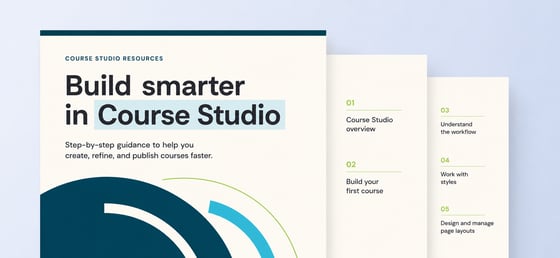
Have you built your first course in Course Studio? If you’re getting started or want to get the most from our new course authoring environment, check out these articles in our Knowledge Base: |
 |
|
|
MASTERING YOUR LMS CREATING A SURVEY |
|
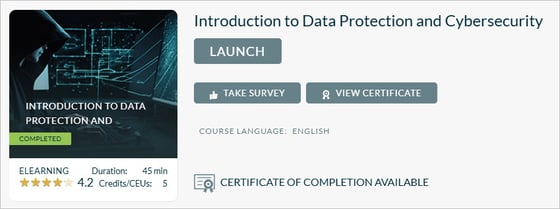
It’s easy to create a learner survey and add it to a course or learning path. Our article provides the details, but here are some tips: |
|
 |
|
If you have questions or need help, contact our Customer Success team. Our article, Submitting an Effective Support Ticket, explains what information to include so we can help you quickly and effectively. |